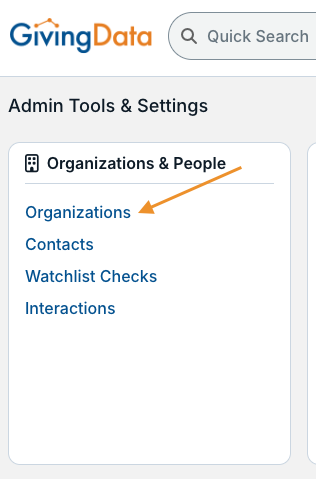
The Admin Tools & Settings area contains the backend tools for customizing your GivingData site. From the pages in this area, you can create and manage codes, build and edit grantee portal intake forms, customize request statuses, and more.
To access Admin Tools & Settings, click the gear icon in the quick navigation menu. 
The gear icon is only visible to users who have permissions enabled related to the Admin Tools & Settings area.
Admin Tools & Settings is categorized by function. For example, the Users, Roles, and Permissions category contains all pages related to managing internal users in your site. 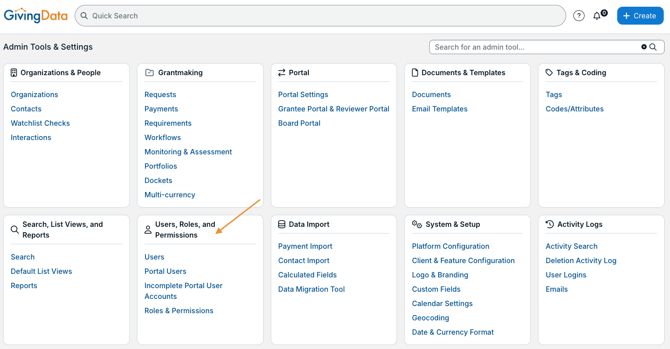
Use the search bar to quickly locate a specific page. 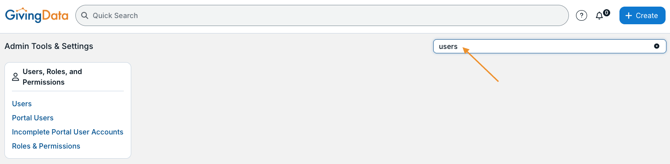
Click a page to access the available configurations and actions.